
How It Works
LaunchPad helps you understand your Jira Service Management environment, install proven service structures, and improve how your teams operate — so routing, ownership, and reporting work from day one.
Scan Your Environment
The Environment Analysis scans your projects, service desks, request types, and custom fields. The CMDB Advisor uses those signals to recommend which schema fits your organisation.
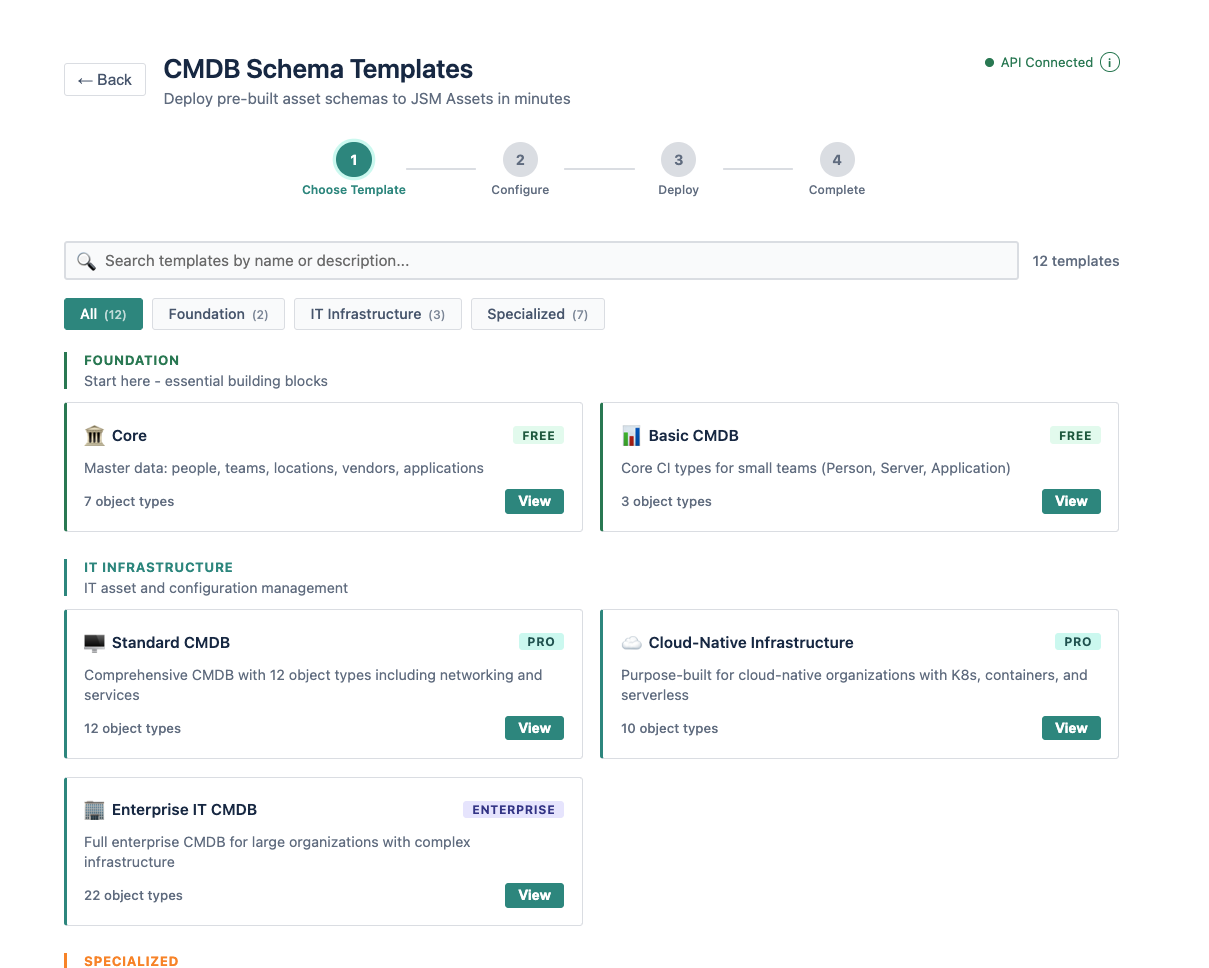
Choose and Deploy
Select from 13 production-ready schemas — or follow the Advisor's recommendation. One click creates the complete schema inside JSM Assets: object types, attributes, relationships, and icons.
Populate and Improve
Add your services, infrastructure, and teams manually, via CSV, or through discovery tools. Then use the Project Scanner to find enrichment opportunities across your request types.
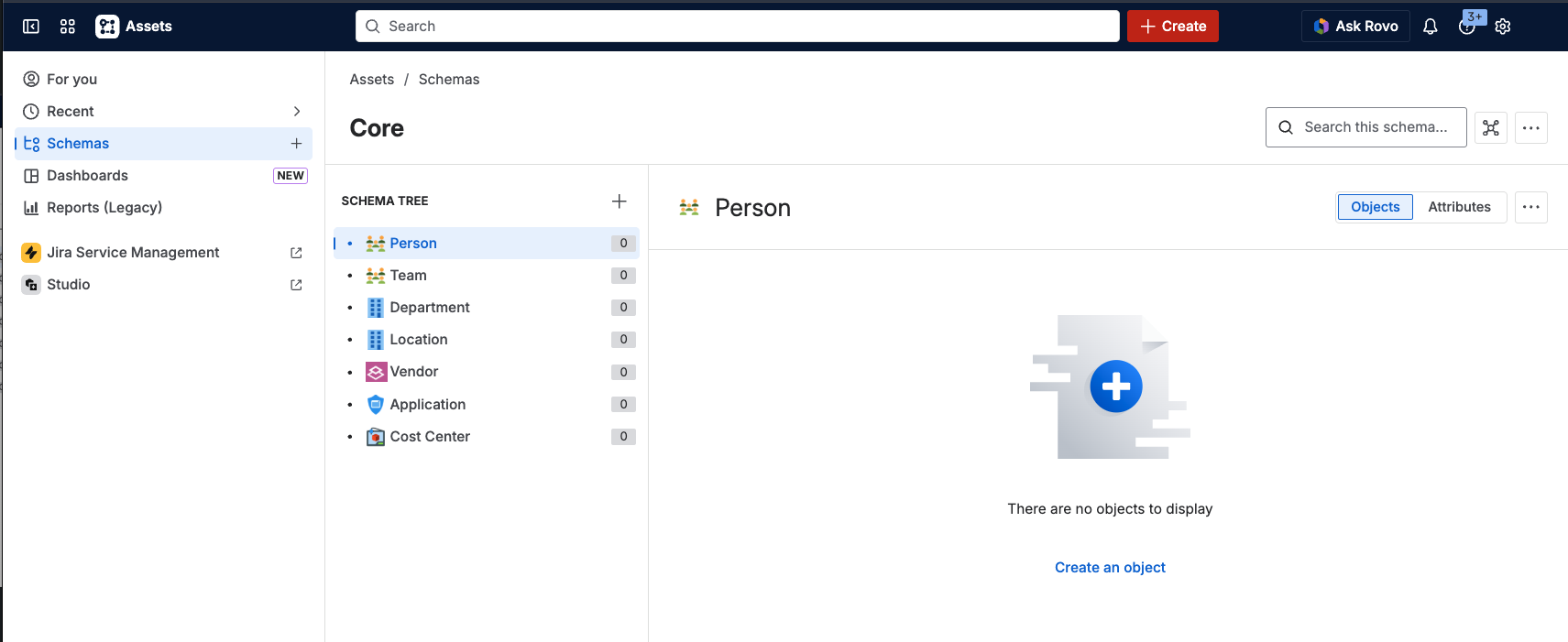
LaunchPad never modifies existing data.
LaunchPad adds structure alongside what you already have. It does not alter, overwrite, or remove any existing configuration, object types, or service data.
Safe to run on production. Every deployment is additive. LaunchPad runs on Atlassian Forge, so your data stays inside Atlassian infrastructure.
Service structure that works from day one
Scan your environment, deploy a proven schema, and improve how your teams operate.
Need help with a complex environment? Get deployment support →